
This document introduces the features and characteristics of the HS-04U headphones, including Xear 3D sound technology.
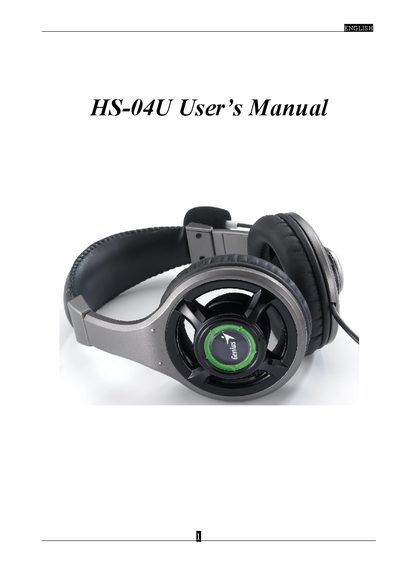
This manual introduces the HS-04U USB multimedia sound device, describing its adjustable headband, noise‑cancelling microphone and volume controls. It also explains the Xear 3D sound technology that provides virtual 5.1/7.1 audio environments for headphones and speakers.
Installation steps, system requirements and driver configuration are covered in detail. The guide lists supported operating systems, recommended CPU, RAM and disk space, and provides troubleshooting tips for USB host controller issues.
| Headband | Adjustable |
|---|---|
| Microphone | Noise canceling |
| USB Interface | USB 1.1 or 2.0 |
| Supported Operating Systems | Win98SE, WinME, Win2000, WinXP, Mac OS 9.0, Mac OS 10.1 |
| Recommended CPU | Intel Pentium III or AMD K6‑500 and above |
| Minimum RAM | 256 MB (case 1) / 512 MB (case 2) |
| Minimum Disk Space | 50 MB |
The device works with Windows 98 SE, Windows ME, Windows 2000, Windows XP, and Mac OS 9.0 and 10.1.
Connect the USB sound device, insert the installation CD, choose “install driver only” or “driver and demo program”, follow the prompts, and restart the computer when installation completes.
A PC with a USB 1.1 or 2.0 port, at least a Pentium III or AMD K6‑500 CPU, 256 MB (or 512 MB) RAM, and 50 MB free hard‑disk space.