
Key facts
- Manuals
- 1
- Languages
- EN
- Last added
- 2012-03-20
Featured HS-04U manuals
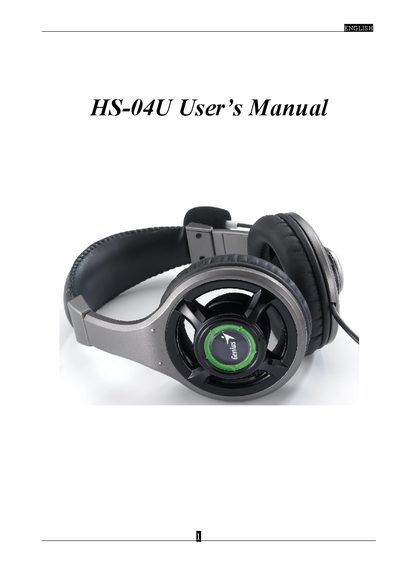
HS-04U User Manual
This manual introduces the HS-04U USB multimedia sound device, describing its adjustable headband, noise‑cancelling microphone and volume controls. It also explains the Xear 3D sound technology that provides virtual 5.1/7.1 audio environments for headphones and speakers.
Installation steps, system requirements and driver configuration are covered in detail. The guide lists supported operating systems, recommended CPU, RAM and disk space, and provides troubleshooting tips for USB host controller issues.
Covers: HS-04U Introduction · Xear 3D Sound Technology Overview · Function Structure and Overview · System Requirements and Installation · Driver Installation Procedure · Audio Settings and Troubleshooting
Latest HS-04U manuals
HS-04U User Manual
User Manual 15 pages · 4.1 MB · ENThe HS-04U USB audio device manual explains setup, driver installation, system requirements and Xear 3D sound features.
Which document do I need?
User Manual
Day-to-day operation, settings and troubleshooting. Start here if the product is already set up.
Questions answered in HS-04U manuals
Which operating systems are supported by the HS-04U device?
The device works with Windows 98 SE, Windows ME, Windows 2000, Windows XP, and Mac OS 9.0 and 10.1.
From: HS-04U User Manual
How do I install the Xear 3D sound driver?
Connect the USB sound device, insert the installation CD, choose “install driver only” or “driver and demo program”, follow the prompts, and restart the computer when installation completes.
From: HS-04U User Manual