
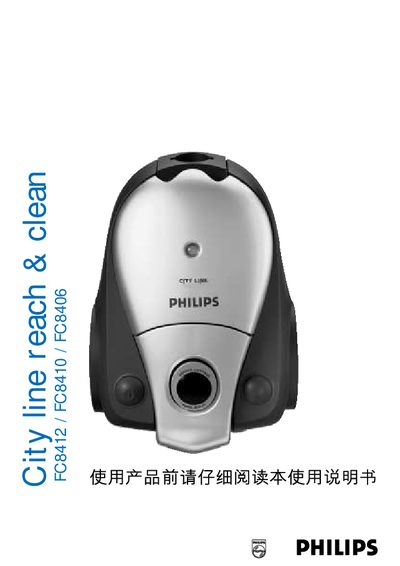
This manual describes the Philips City Line Reach & Clean vacuum cleaners (models FC8412, FC8410, FC8406). It covers the appliance’s components, how to connect accessories, and the proper way to operate the vacuum on various floor types.
It also explains how to adjust suction power, replace dustbags and filters, use the infrared remote control, and resolve common problems. Environmental disposal and service information are included at the end of the document.
| Suction power settings | 5 levels |
|---|---|
| Dustbag type | Philips s‑bag™ double‑layer paper (FC8021) |
| HEPA Filter type | HR6992 |
| Battery type for remote | LR03 alkaline |
Switch the appliance off, open the dustbag cover, push the dustbag holder backwards, pull out the full bag, insert a new FC8021 dustbag and push the holder forward until it clicks.
Use the infrared remote control: press the ‘‑’ button to lower or the ‘+’ button to raise the suction level, or adjust the electronic suction power control on the appliance.
Replace the AFS Micro Filter when you insert a new set of dustbags or at least once a year, inserting it with the white side facing upwards.