
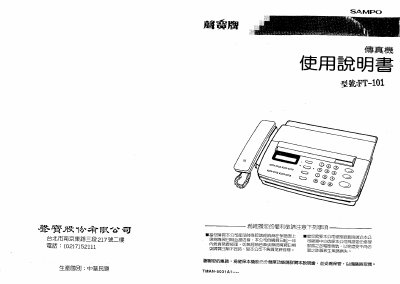
This manual covers the basic operation of the Sampo FT-101 fax machine, including how to load paper, configure communication settings, and use the control panel. It also details safety precautions and power requirements.
Additional sections describe routine maintenance such as cleaning the scanner, record paper, and print head, as well as troubleshooting common issues and adjusting settings like date/time and volume. This manual is written in Japanese.
| Standby Power | ≈5W (max 115W) |
|---|---|
| Standard Paper Size | 216 mm × 297 mm |
| Maximum Paper Length | 216 mm × 1000 mm |
| Minimum Paper Size | 170 mm × 60 mm |
| Maximum Sheets per Load | 5 sheets |
| Resolution (CIS scanner) | 384 dpi (approx.) |
| Supported Fax Standard | CCITT Group 3 |
Wipe the scanner glass with a clean soft cloth lightly dampened with alcohol about every six months.
The machine can hold up to five sheets of paper in the feeder.