
This is the user manual for GA-7VM400M(F)-P motherboard, which introduces the functions, features, installation steps and precautions of the motherboard.
This manual provides step‑by‑step instructions for installing the Gigabyte GA-7VM400M(F)-P motherboard. It includes safety notices, EMC and FCC compliance statements, and an overview of the board layout and component locations.
The guide details CPU and memory installation, BIOS and CMOS settings, expansion slot usage (AGP, PCI, SATA, IEEE1394), audio and network interfaces, and RAID configuration. It also contains troubleshooting tips and contact information for Gigabyte support. This manual is written in Chinese.
| CPU socket | AMD Socket A |
|---|---|
| Supported CPUs | Athlon, Athlon XP, Duron |
| Form factor | Micro ATX |
| Maximum memory | 2 GB DDR |
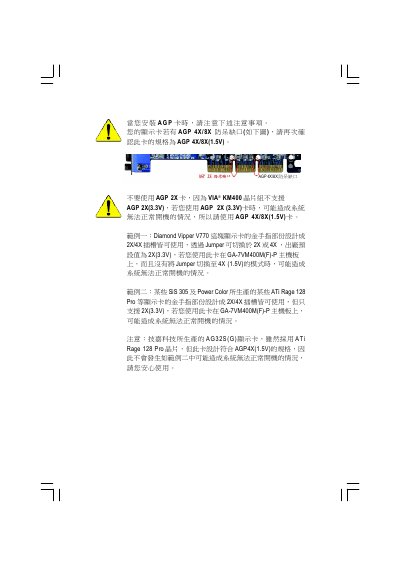
| AGP slot | 4X/8X (1.5 V) |
| PCI slots | 33 MHz PCI 2.2 compliant |
| Audio codec | RealTek ALC650 |
| Network controller | Realtek RTL8100C |
| BIOS | Award BIOS with Q‑Flash |
It uses an AMD Socket A, supporting AMD Athlon, Athlon XP and Duron processors.
The motherboard uses a RealTek ALC650 audio codec.