
This document provides information on the registration process of ArcSoft Inc. and the global customer support contacts. It also includes the contact addresses and phone numbers for different regions.
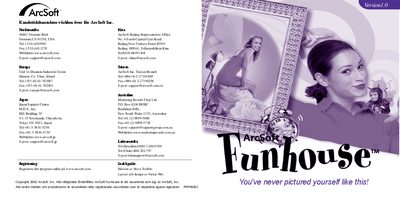
ArcSoft Funhouse lets you create humorous pictures by combining two or more photos, using built‑in templates and masks to replace faces or objects. You can also design your own templates and edit images with tools for scaling, rotating, colour matching and text addition.
The guide walks you through system requirements, installation from the CD, launching the program, selecting a template, adding photos, fine‑tuning images, adding text, previewing prints, saving files and emailing pictures. Additional help and troubleshooting tips are also included. This manual is written in Swedish.
| Supported Windows OS | Windows 98/ME/2000/XP |
|---|---|
| Supported Macintosh OS | Mac OS 8.6/9/X |
| Minimum CPU | Pentium‑based PC or equivalent |
| Minimum Disk Space (Windows) | 150 MB free |
| Minimum Disk Space (Mac) | 200 MB free |
| Minimum RAM | 64 MB (128 MB recommended) |
| Minimum Colour Depth | 16‑bit (800 × 600) |