
Key facts
- Manuals
- 1
- Languages
- SV
- Last added
- 2012-03-19
Featured Snabbguide manuals
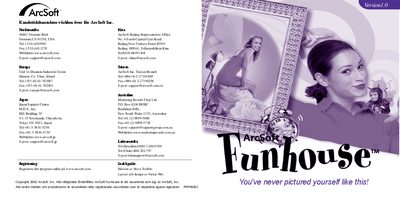
ArcSoft Funhouse Quick Start Guide
ArcSoft Funhouse lets you create humorous pictures by combining two or more photos, using built‑in templates and masks to replace faces or objects. You can also design your own templates and edit images with tools for scaling, rotating, colour matching and text addition.
The guide walks you through system requirements, installation from the CD, launching the program, selecting a template, adding photos, fine‑tuning images, adding text, previewing prints, saving files and emailing pictures. Additional help and troubleshooting tips are also included. This manual is written in Swedish.
Covers: Overview · System Requirements · Installation · Starting the Program · Create a Funhouse Image · Step 1 – Retrieve Template
Latest Snabbguide manuals
ArcSoft Funhouse Quick Start Guide
Quick Start Guide 6 pages · 2.1 MB · SVThis guide provides installation, setup, and usage instructions for ArcSoft Funhouse software.
Which document do I need?
Quick Start Guide
The shortest path to a working setup, usually only a few pages.