
This manual introduces the basic structure, working principle and use and maintenance methods of KFR-72LW/R(D), KFR-72L/R(D), KFR-72W/R(D), RAC-A72RHD, KFR-72LW/R(D), RAP/C-A72RHD-SM, RAP/C-A72RHD, RAP-A72RHD air conditioners.
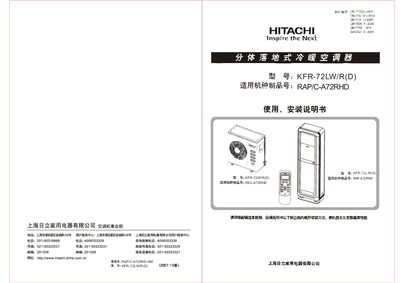
This manual provides detailed instructions for installing, operating, and maintaining the Hitachi KFR-72LW/R(D) split‑type air conditioner. It includes safety warnings, wiring diagrams, and step‑by‑step procedures for both indoor and outdoor units.
Key sections cover product performance specifications, control panel functions, filter cleaning reminders, troubleshooting tips, and recommended installation locations to ensure optimal performance and energy efficiency. This manual is written in Chinese.
| Rated voltage | 220 V |
|---|---|
| Rated total input power (cooling/heating) | 2180/2120+1500 W |
| Cooling capacity | 7200 W |
| Dehumidification amount | 2.3 kg/h |
| Air flow (circulation) | 1120 m³/h |
| Indoor noise (high/low) | 48/42 dB(A) |
| Energy efficiency ratio (cooling) | 3.30 (EEH 1級) |
The filter cleaning reminder light turns on after the indoor fan has run for 100 hours, indicating the filter should be cleaned.
Remove the filter housing, take out the stainless‑steel antibacterial filter and nanofiber purification net, clean the filter with water, and gently tap the nanofiber net to remove dust before reinstalling.
Press the reset button on the remote controller as described to restore normal operation.