
GW502 telephone caller display chip supports DTMF/FSK dual-mode automatic caller display, has 100 sets of incoming call numbers and call time records, 50 sets of outgoing call numbers and call time records, calendar, calculator with decimal point, 1~99 hours of Do not disturb, 16 kinds of music ringtones, software setting ringtone volume and hands-free volume and other functions.
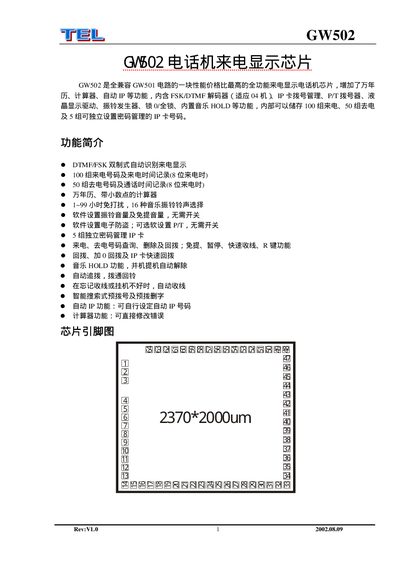
The GW502 is a fully compatible, high‑performance telephone caller ID display chip that adds calendar, calculator, auto‑dial and other functions. It includes an FSK/DTMF decoder, LCD driver, ring generator, lock functions, music HOLD and can store up to 100 incoming and 50 outgoing numbers.
The document provides a detailed pin‑function table, explains how to configure passwords, IP‑card management, do‑not‑disturb periods, ringtone selection, time and calendar settings, as well as smart pre‑dialing and automatic hang‑up features. This manual is written in Chinese.
| Incoming number storage | 100 numbers |
|---|---|
| Outgoing number storage | 50 numbers |
| Independent password‑managed cards | 5 cards |
| Do‑Not‑Disturb duration | 1–99 hours |
| Selectable ringtones | 16 tones |
The chip can store up to 100 incoming numbers with timestamps.
In idle state, enter a two‑digit value (1‑99) to set the Do‑Not‑Disturb time in hours.
Enter a two‑digit code (00‑15) to select one of the 16 available ringtones.
Press the IP key, hold the pause key for 3 seconds, then enter the new 4‑digit password.