
This document is the operating instructions of DVD-770SD, which introduces the features and usage of the product.
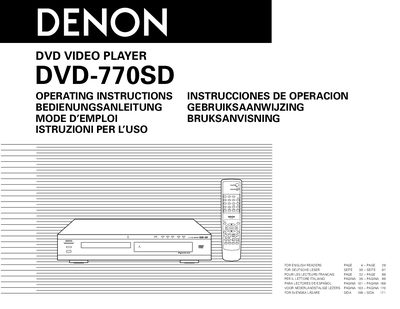
This manual covers safety precautions such as keeping the unit away from high temperatures, ensuring adequate ventilation (at least 10 cm of space around the unit), and handling the power cord carefully. It also details installation steps, required connections for video and audio, and how to configure TV settings for optimal picture quality.
Operating instructions include disc handling guidelines, supported disc types, menu functions, audio and video output options, and troubleshooting tips. The document also lists accessories supplied with the player and provides a brief overview of its key features such as a high‑precision 96 kHz 24‑bit D/A converter and a Class 1 laser source.
| Digital‑to‑Analog Converter | 96 kHz 24‑bit |
|---|---|
| Body Width | 80 mm |
| Laser Class | Class 1 |
| Supported Disc Types | DVD‑Video, CD, MP3, Windows Media, JPEG picture CDs |
| Audio Output Formats | PCM 48 kHz/16‑bit, Dolby Digital, DTS bitstream |
| Video Output Options | Component, S‑Video, Composite, SCART, RGB |
Leave at least 10 cm of space between the top, back and sides of the unit and any wall or other components.
The player can play DVD‑Video, CD, MP3, Windows Media‑formatted files, and JPEG picture CDs, as listed on the disc‑type table.
Use three component video cords to connect the DVD‑770SD’s color component output connectors to the TV and set the video output to “COMPONENT” in the setup menu.
Avoid high temperatures, keep the unit free from moisture, dust and foreign objects, and never open the top cover to prevent electric shock.