
WindLGC V6.0 is an intelligent control software developed by IDEC. The software supports Ladder Diagram (LAD) and Function Block Diagram (FBD) programming methods. It can download the Ladder Diagram and Function Block Diagram programs written by users to IDEC's SmartRelay series relays for execution.
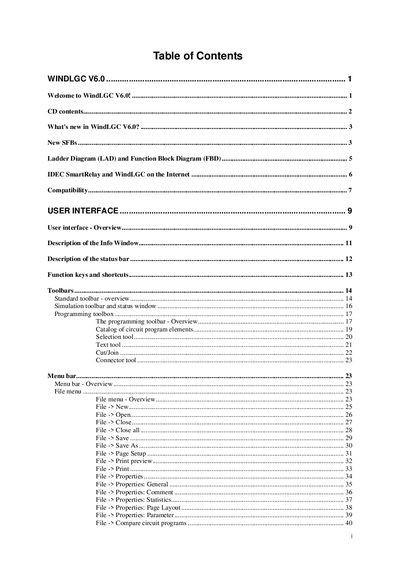
The manual introduces WindLGC V6.0, covering installation from the supplied CD, the user interface, menus, toolbars, and options. It explains how to create, edit, and document circuit programs using ladder and function‑block diagrams, and provides a tutorial for getting started.
Additional sections describe simulation features, online testing, transferring programs to IDEC SmartRelay hardware, and a collection of sample applications such as air‑conditioning and heating control. Tips, tricks, and troubleshooting advice help users maintain an overview while working with large programs.
| Software version | V6.0 |
|---|
Use the Tools → Transfer menu and select "PC -> IDEC SmartRelay" to send the program from the PC to the device.
Open the Simulation toolbar or choose Tools → Simulation to run the circuit program in simulation mode.
The CD‑ROM includes folders such as CAD drawings, manuals, online help, sample applications, and the WindLGC installation files.