
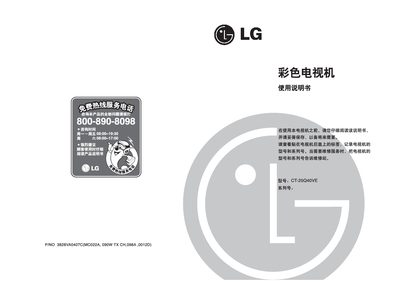
This manual explains how to install and operate the LG CT-25Q40VE color television. It covers safety precautions, antenna connection, remote‑control functions, basic power on/off steps, and menu navigation.
It also details picture and sound settings, channel editing, automatic program scanning, and troubleshooting tips, helping users get the best viewing experience and resolve common issues. This manual is written in Chinese.
| Power Supply | 110‑240 V, 50/60 Hz |
|---|---|
| Power Consumption | 120 W |
| Speaker Impedance | 8 Ω |
| Channel Storage Capacity | 200 channels |
| Dimensions | 640 × 480 × 513 mm |
Plug the power cord into an outlet, then press the main power key to turn the TV on; press the same key again to turn it off.
The TV can store up to 200 channels.