
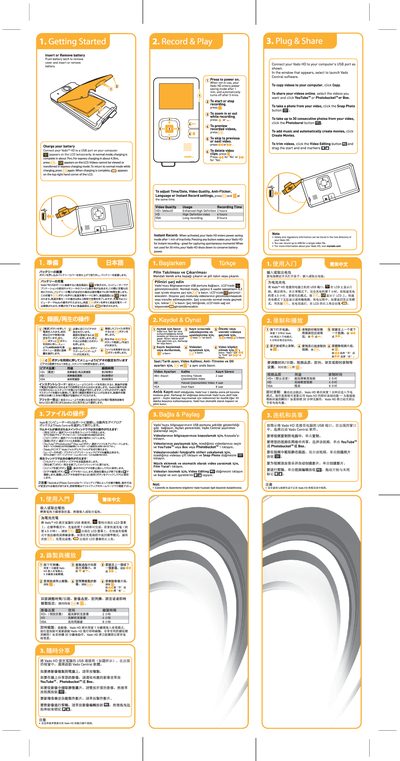
This manual covers basic operation of the Vado HD camera, including how to insert or remove the battery, charge the device via USB, and power‑on/off. It also describes the recording functions, zoom, preview, deletion, and how to adjust time, date, video quality, anti‑flicker, language, and instant‑record settings.
Additional sections explain USB connection for transferring videos, using the Vado Central software, and safety or regulatory information that can be found in the root directory of the device.
| Charging time (normal mode) | about 7 hrs |
|---|---|
| Charging time (express mode) | about 4.5 hrs |
| Maximum recording time (HD+ default) | 2 hours |
| Maximum recording time (HD) | 4 hours |
| Maximum recording time (VGA) | 8 hours |
Press the record button to start or stop recording.
Press the zoom‑in or zoom‑out buttons while recording.
Press the two designated buttons simultaneously to open the settings menu where you can adjust time/date, video quality, anti‑flicker, language, and instant‑record options.