
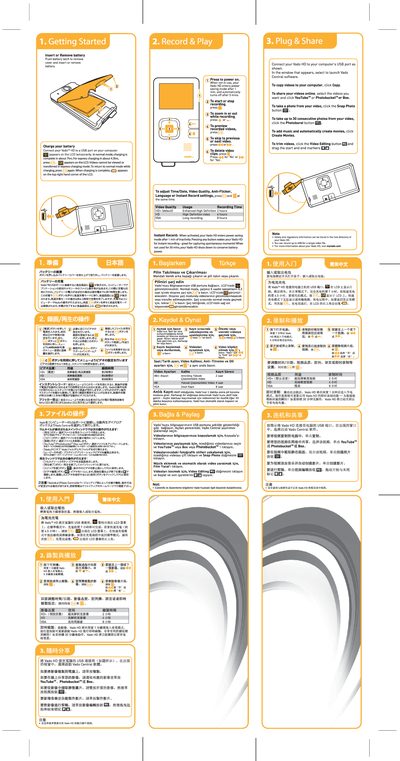
The Vado HD is a compact video recording device that runs on a rechargeable battery. Charging is performed by connecting the unit to a computer USB port; normal charging takes about 7 hours while express charging completes in roughly 4.5 hours. The device enters power‑saving mode after one minute of inactivity and shuts down after five minutes when not in use.
The manual explains how to start and stop recording, adjust video quality, use instant‑record mode, and transfer or share videos via the Vado Central software. It also covers button functions for zooming, previewing, deleting clips, and creating movies, as well as safety and regulatory information.
| Normal charging time | about 7 hrs |
|---|---|
| Express charging time | about 4.5 hrs |
| HD+ video recording duration | 2 hours |
| HD video recording duration | 4 hours |
| VGA recording duration | 8 hours |
Press the record button to start recording; press the same button again to stop.
Select the desired videos in Vado Central and click the YouTube™, Photobucket™ or Box button to upload them.