
The document is a user guide for a product from a specific brand, providing information on the features, functions, installation, settings, and troubleshooting of the product.
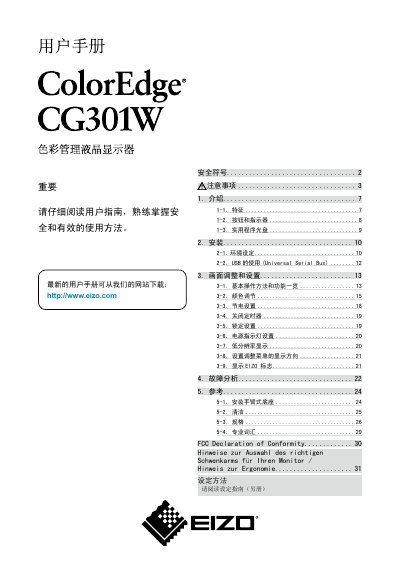
This manual provides instructions for installing, configuring and safely operating the Eizo CG301W color LCD monitor. It includes details on power connection, mounting, ergonomics and troubleshooting.
The document also lists technical specifications such as screen size, resolution, color gamut, input options and supported voltage ranges, along with safety symbols and maintenance recommendations. This manual is written in Chinese.
| Screen size | 29.8 inch |
|---|---|
| Color gamut | 97% Adobe RGB |
| Resolution | 2560 x 1600 |
| Input connectors | Dual DVI‑D |
| Horizontal scan frequency | 26 – 100 kHz |
| Vertical scan frequency | 29.5 – 30.5 Hz, 59 – 61 Hz |
| Effective pixel percentage | 99.99948% or higher |
The manual uses warning, caution, prohibition and grounding symbols to indicate important safety information.
It is recommended to use the monitor at a slightly lower brightness to reduce long‑term LCD aging.
The monitor has an effective pixel percentage of 99.99948% or higher.