
Key facts
- Manuals
- 1
- Languages
- ZH
- Last added
- 2012-03-16
Featured EZIO manuals
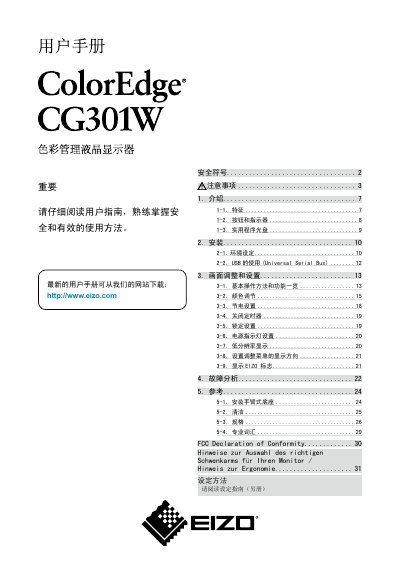
Eizo CG301W Color LCD Monitor User Manual
This manual provides instructions for installing, configuring and safely operating the Eizo CG301W color LCD monitor. It includes details on power connection, mounting, ergonomics and troubleshooting.
The document also lists technical specifications such as screen size, resolution, color gamut, input options and supported voltage ranges, along with safety symbols and maintenance recommendations. This manual is written in Chinese.
Covers: Introduction · Installation · Screen Adjustment and Settings · Power and Voltage · Safety Symbols · Fault Analysis
Latest EZIO manuals
Eizo CG301W Color LCD Monitor User Manual
User Manual 32 pages · 2.5 MB · ZHUser manual for the Eizo CG301W color LCD monitor covering installation, settings, safety and specifications.
Which document do I need?
User Manual
Day-to-day operation, settings and troubleshooting. Start here if the product is already set up.
Questions answered in EZIO manuals
What safety symbols are used in the manual?
The manual uses warning, caution, prohibition and grounding symbols to indicate important safety information.
What is the recommended brightness setting to prolong LCD life?
It is recommended to use the monitor at a slightly lower brightness to reduce long‑term LCD aging.