
The optical terminal can transmit 4-way video, audio, data/Can and 1-way video, audio, data/Can on a fiber. It can connect the video, audio, data/Can of different geographical areas into a complete multi-area bus network (point-to-point, point-to-multipoint star, ring network, relay, etc.) network.
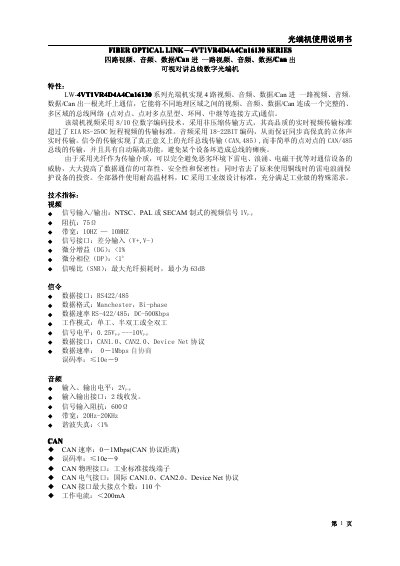
This manual describes the features, technical specifications and functions of the LW-4VT1VR4D4A4Cn16 optical terminal, including video, audio, data/CAN transmission and the advantages of fiber‑optic communication. It explains the device’s video encoding, audio coding, CAN implementation and protective functions such as automatic isolation.
Installation, wiring, safety precautions and maintenance procedures are covered in detail. The guide includes mechanical dimensions, environmental limits, power‑supply recommendations, connector handling, and troubleshooting steps for power, video and data issues. This manual is written in Chinese.
| Video signal input/output | NTS C, PAL, SECAM |
|---|---|
| Video bandwidth | 10 Hz – 10 MHz |
| Video differential gain | < 1 % |
| Video SNR (minimum) | 63 dB |
| Data interface | RS‑422 / RS‑485 |
| Data format | Manchester, Bi‑phase |
| Data rate | DC‑500 kbps |
| CAN speed | 0 – 1 Mbps |
| CAN error rate | ≤ 1e‑9 |
| Audio input/output voltage | 2 Vpp |
| Audio bandwidth | 20 Hz – 20 kHz |
| Working temperature | -40 °C – +70 °C |
| Storage temperature | -40 °C – +85 °C |
| Working humidity | 0 % – 95 % non‑condensing |
| MTBF | > 100 000 h |
Verify that the power cable is properly connected, the correct power type is selected, voltage is present and stable, the adapter works, the fuse is intact, and the unit is properly grounded.
Check that the video input is correctly connected to the optical transmitter, ensure the video output of the receiver is properly linked to the display device, and confirm the video input type is correct.
Do not look directly at the laser output; use an infrared viewer or IR phosphor plate to verify the beam, keep connectors covered when not in use, and clean connectors with a cotton swab lightly dampened with ethanol.
The cable length should be kept as short as possible, not exceeding 50 feet to maintain signal integrity under the RS‑422/485 standard.