
This document is a user manual for a digital camera, which introduces the use of the digital camera, precautions, maintenance methods, etc.
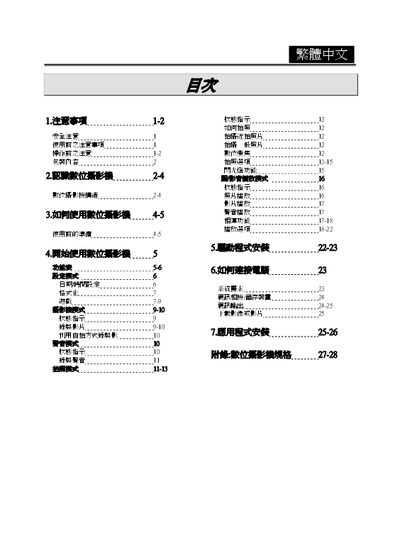
The manual begins with safety precautions, warning users about improper handling, exposure to sunlight, high temperature, magnetic fields, and the risk of electric shock. It also covers preparation steps before use, such as inserting AA alkaline batteries and checking the LCD display.
Subsequent sections describe the camcorder’s operating modes (photo, video, voice recording), button functions, LCD indicators, memory card handling, and connectivity options (USB, AV OUT). The final part lists technical specifications, including sensor size, lens aperture, ISO range, shutter speeds, built‑in memory, supported video resolutions, digital zoom, battery type, dimensions, and weight. This manual is written in Chinese.
| ISO sensitivity | ISO 100 (auto, sunny, cloudy, etc.) |
|---|---|
| Built‑in memory | 16 MB Flash (supports SD cards 4 MB‑512 MB) |
| Maximum still image resolution | 2720 × 2040 (≈5 MP) |
| Dimensions (W×H×D) | 82 mm × 82 mm × 32 mm |
| Weight (with batteries) | ≈120 g |
Approximately 61 minutes of video can be recorded on the built‑in 16 MB memory.
Yes, it has a USB (v1.1) interface for PC connection.