
Key facts
- Manuals
- 1
- Categories
- 1
- Languages
- ZH
- Last added
- 2012-03-16
Featured 数位摄像机 manuals
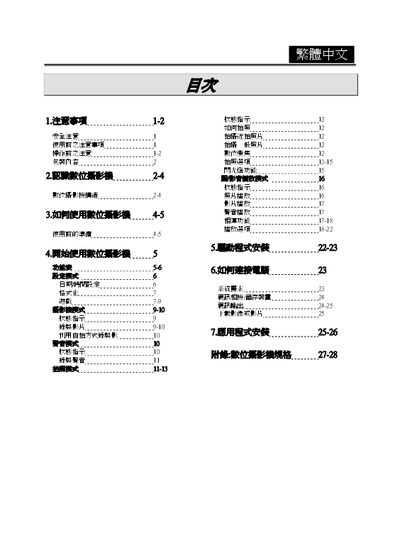
Digital Camcorder User Manual
The manual begins with safety precautions, warning users about improper handling, exposure to sunlight, high temperature, magnetic fields, and the risk of electric shock. It also covers preparation steps before use, such as inserting AA alkaline batteries and checking the LCD display.
Subsequent sections describe the camcorder’s operating modes (photo, video, voice recording), button functions, LCD indicators, memory card handling, and connectivity options (USB, AV OUT). The final part lists technical specifications, including sensor size, lens aperture, ISO range, shutter speeds, built‑in memory, supported video resolutions, digital zoom, battery type, dimensions, and weight. This manual is written in Chinese.
Covers: Safety Precautions · Power and Battery · LCD Display and Indicators · Operating Modes · Memory and Storage · Connectivity (USB/AV OUT)
Latest 数位摄像机 manuals
Digital Camcorder User Manual
User Manual 29 pages · 1.2 MB · ZHThis user manual provides safety instructions, operation guidelines, and specifications for the digital camcorder.
Which document do I need?
User Manual
Day-to-day operation, settings and troubleshooting. Start here if the product is already set up.
Questions answered in 数位摄像机 manuals
How long can the camcorder record video on its internal memory?
Approximately 61 minutes of video can be recorded on the built‑in 16 MB memory.
Can the camcorder be connected to a PC?
Yes, it has a USB (v1.1) interface for PC connection.