
This document is an introduction to a high-quality and cost-effective digital camera that allows you to capture, edit, and share videos and photos with friends and family. It is not only a camera, but also a video recorder, MP3 player, and can be used as a webcam when connected to a computer. This user manual provides instructions on how to use the camera for taking photos, recording videos, playing MP3 music, and using it as a webcam. It also guides users on transferring videos and photos from the camera to a computer. The camera is a versatile device that is ideal for emailing videos or photos, creating impressive albums, making videos, video chatting with friends and family, and playing MP3 music.
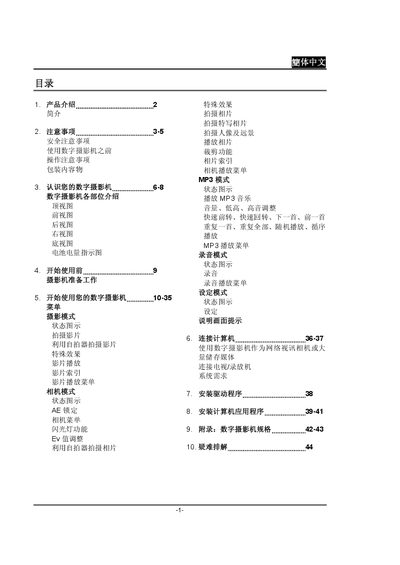
The manual introduces the digital camera, its components, and safety precautions before use. It explains how to prepare the camera, navigate menus, select shooting modes, and use additional functions such as MP3 playback and recording.
It also covers connection options for USB, audio, and video output, as well as how to use the camera as a network video camera, format memory cards, and troubleshoot common issues. This manual is written in Chinese.
| Audio storage capacity (16 MB internal memory) | ≈21 minutes |
|---|
Press and hold the power key for about one second to turn the camera on or off.
Use a USB transmission cable to connect the camera’s USB port to the computer.