
Key facts
- Manuals
- 1
- Languages
- ZH
- Last added
- 2012-03-16
Featured 数字摄影机 manuals
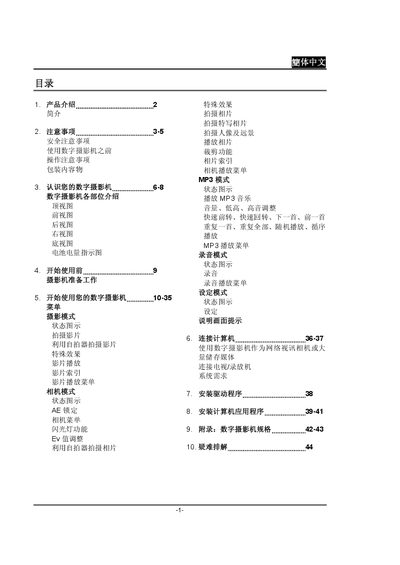
Digital Camera User Manual
The manual introduces the digital camera, its components, and safety precautions before use. It explains how to prepare the camera, navigate menus, select shooting modes, and use additional functions such as MP3 playback and recording.
It also covers connection options for USB, audio, and video output, as well as how to use the camera as a network video camera, format memory cards, and troubleshoot common issues. This manual is written in Chinese.
Covers: 使用数字摄影机之前 · 操作注意事项 · 包装内容物 · 认识您的数字摄影机 · 数字摄影机各部位介绍 · 菜单与模式选择
Latest 数字摄影机 manuals
Digital Camera User Manual
User Manual 44 pages · 2.8 MB · ZHThis user manual provides instructions for operating, recording, and connecting the digital camera, including safety guidelines, menu navigation, and media…
Which document do I need?
User Manual
Day-to-day operation, settings and troubleshooting. Start here if the product is already set up.
Questions answered in 数字摄影机 manuals
How do I turn the digital camera on or off?
Press and hold the power key for about one second to turn the camera on or off.
How can I connect the camera to a computer?
Use a USB transmission cable to connect the camera’s USB port to the computer.