
This document is a quick setup guide for the MFC-6890CDW printer. It includes instructions for unpacking the machine and checking the components, warnings, introduction to ink cartridges and connection cables. Users are reminded not to connect the USB cable before installing the driver.
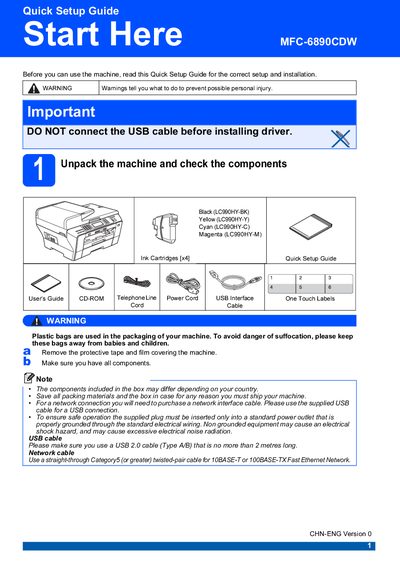
This Quick Setup Guide walks you through unpacking the MFC‑6890CDW, connecting the power and telephone lines, and installing the supplied USB or network cable. It also covers installing the ink cartridges, setting up the LCD contrast, and configuring receive modes for fax and telephone functions.
Further sections explain how to load A4 paper into tray 1, perform a print‑quality check, reset network settings to factory defaults, and replace consumables such as ink cartridges. Safety warnings and troubleshooting tips are included throughout.
| USB cable requirement | USB 2.0 Type A/B, max 2 m |
|---|---|
| Standard ink cartridges | LC990BK, LC990Y, LC990C, LC990M |
| High‑Yield ink cartridges | LC990HY‑BK, LC990HY‑Y, LC990HY‑C, LC990HY‑M |
No. The guide warns not to connect the USB cable before installing the driver.
Pull tray 1 out, adjust the side and length guides to match the paper size, place the paper print‑side down, and close the tray ensuring the paper is flat and below the maximum mark.