
This is a quick installation guide for Nokia Connectivity Adapter Cable DKU-5
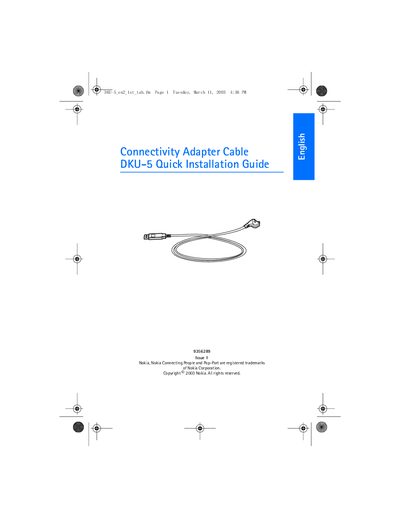
The DKU-5 Adapter Cable lets you link a compatible Nokia phone to a PC via USB for data transfer and synchronization using Nokia PC Suite.
Install the driver from the supplied CD before connecting the cable, follow the on‑screen wizard, restart the computer if prompted, then connect the cable to the PC’s USB port and the phone’s Pop‑Port. The driver works with Windows 98 SE, Windows ME, Windows 2000 and Windows XP, with specific notes for each OS.
| Connector type | USB to Pop‑Port |
|---|---|
| Compatible phones | Phones with a Pop‑Port™ interface connector (e.g., Nokia 7210) |
| Supported operating systems | Windows 98 SE, Windows ME, Windows 2000, Windows XP |
No. The guide advises not to have the cable connected while installing the driver.
The driver supports Windows 98 Second Edition, Windows ME, Windows 2000 and Windows XP.
Click "Yes" to continue and complete the installation.