
Key facts
- Manuals
- 1
- Languages
- EN
- Last added
- 2012-03-16
Featured Connectivity manuals
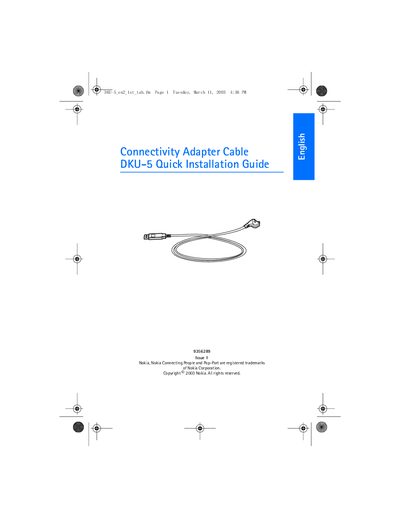
Nokia DKU-5 Adapter Cable Quick Installation Guide
The DKU-5 Adapter Cable lets you link a compatible Nokia phone to a PC via USB for data transfer and synchronization using Nokia PC Suite.
Install the driver from the supplied CD before connecting the cable, follow the on‑screen wizard, restart the computer if prompted, then connect the cable to the PC’s USB port and the phone’s Pop‑Port. The driver works with Windows 98 SE, Windows ME, Windows 2000 and Windows XP, with specific notes for each OS.
Covers: Introduction · Installation · Notes for Windows 2000 users · Notes for Windows XP users · Connecting the cable
Latest Connectivity manuals
Nokia DKU-5 Adapter Cable Quick Installation Guide
Quick Start Guide 16 pages · 675 KB · ENThe Nokia DKU-5 Adapter Cable Quick Installation Guide explains how to install the driver and connect the cable to a PC and compatible Nokia phone.
Which document do I need?
Quick Start Guide
The shortest path to a working setup, usually only a few pages.
Questions answered in Connectivity manuals
Do I need to connect the cable before installing the driver?
No. The guide advises not to have the cable connected while installing the driver.
Which Windows versions are supported by the DKU-5 driver?
The driver supports Windows 98 Second Edition, Windows ME, Windows 2000 and Windows XP.