
DocuWide 6035 series is a color scanner launched by Canon. This series of products is equipped with high-speed, high-resolution color scanners, integrating security and input and output performance in one, which can further optimize the electronicization process of drawings and the management process of files.
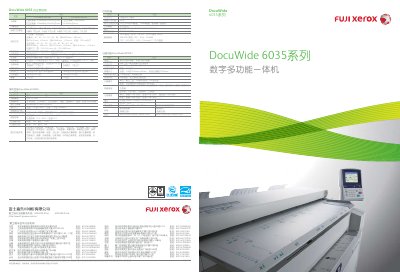
The DocuWide 6035 series is a large‑format digital multifunction device offering high‑speed printing, copying, and scanning for engineering and office environments. It supports 600 × 600 dpi resolution, up to 5 A0 pages per minute, and flexible paper handling with two rolls and manual feed.
This user guide details the device’s performance, security features such as confidential printing and watermarking, optional accessories, network interfaces, and environmental compliance. It also lists technical specifications, setup procedures, and maintenance information to help users operate the machine efficiently. This manual is written in Chinese.
| Scanning resolution | 600 × 600 dpi |
|---|---|
| Scanning speed (black‑white) | 9.1 m/min |
| Scanning speed (color) | 3.0 m/min |
| Printing resolution | 600 × 600 dpi |
| Printing speed (A0) | 5 pages/min |
| Engine speed | 6.3 m/min |
| Maximum power consumption (scanning) | 480 W |
| Standard memory | 1 GB |
| Paper handling | 2 rolls + manual feed |
| Dimensions (W×D×H) | 1305 mm × 707 mm × 1108 mm |
The scanner provides a resolution of 600 × 600 dpi.
It can output up to five A0 pages per minute.
Printing uses 220 V AC at 16 A (max 3.2 kW) and scanning uses 220 V AC at 10 A (max 480 W).