
The ApeosPort-IV C5575/C4475/C3375/C3373 color digital multifunctional devices utilize new methods to effectively carry out work, combining environmental performance with excellent printing performance. Through intelligent technology and innovative smart power technology, energy-saving and efficient work is achieved. It supports personalized document management solutions, making it convenient for users to operate.
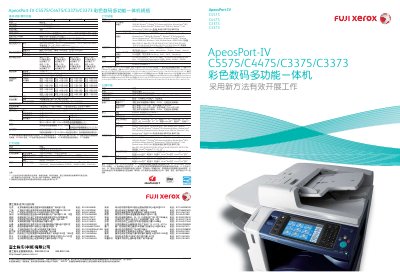
This document describes the hardware specifications, environmental features, and core functions of the ApeosPort‑IV C5575/C4475/C3375/C3373 series. It covers memory, storage, print and scan resolutions, paper handling, power consumption, and the new Smart WelcomEyes technology that reduces wake‑up time.
The guide also explains advanced workflow capabilities such as email scanning, network folder export, document security, and management tools like CentreWare Internet Services. Compatibility with various operating systems and driver options is listed, along with optional accessories such as high‑capacity trays and binding units. This manual is written in Chinese.
| Memory capacity | 2 GB (max) |
|---|---|
| Hard‑disk capacity | 160 GB (usable 128 GB) |
| Colour scan resolution | 600 × 600 dpi |
| Print resolution (high quality) | 1200 × 2400 dpi |
| Black‑and‑white print speed | 55 pages/min |
| Colour print speed | 50 pages/min |
| Warm‑up time (cold start) | Less than 28 seconds (24 seconds with power on) |
| Maximum power consumption | Less than 2.2 kW (AC 220 V) |
The device warms up in less than 28 seconds, or less than 24 seconds when the main power is already on.
It can print 55 black‑and‑white pages per minute in A4 landscape mode.
The printer can output 50 colour pages per minute in A4 landscape mode.
Colour scanning is available at 600 × 600 dpi.