
iboxNAS10 user manual is the user manual of iboxNAS10 device, which details the installation, initialization, daily use, maintenance and other aspects of the content.
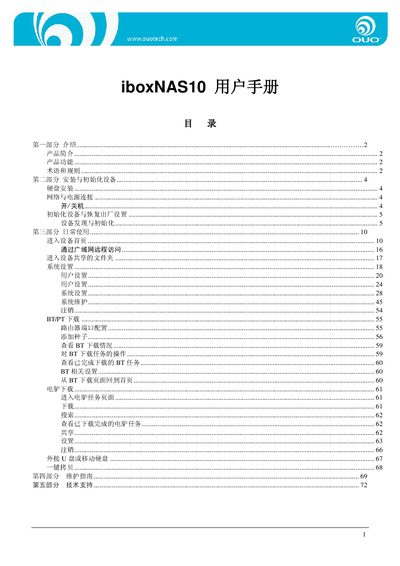
This manual introduces the iboxNAS10, a high‑capacity network storage device with built‑in P2P download functions. It details the product’s features such as gigabit Ethernet, 1 TB hard‑drive capacity, USB Host port, and remote access capabilities.
The guide walks users through installation, initial configuration, daily operation, system settings, user management, and troubleshooting. It also provides technical support contact information and a maintenance checklist. This manual is written in Chinese.
| Network Interface | Gigabit Ethernet |
|---|---|
| Storage Capacity | 1 TB hard drive |
| USB Host Port | Available |
| Default Username | admin |
| Default Hostname | OUO |
Both the username and password are set to “admin”.
The default hostname is “OUO”.
After installing the hard drive and connecting the network, run the initialization tool (0U0start.exe) to format the drive and assign network settings, which restores the device to factory defaults.
Open the system settings, click the format button, confirm the prompt, and wait for the formatting process to complete.