
Key facts
- Manuals
- 1
- Languages
- ZH
- Last added
- 2012-03-16
Featured iboxNAS10 manuals
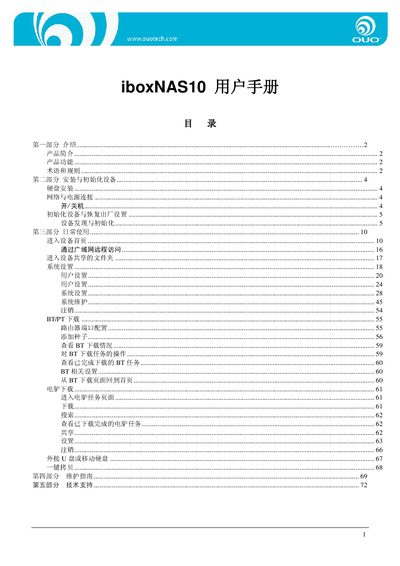
OUO iboxNAS10 User Manual
This manual introduces the iboxNAS10, a high‑capacity network storage device with built‑in P2P download functions. It details the product’s features such as gigabit Ethernet, 1 TB hard‑drive capacity, USB Host port, and remote access capabilities.
The guide walks users through installation, initial configuration, daily operation, system settings, user management, and troubleshooting. It also provides technical support contact information and a maintenance checklist. This manual is written in Chinese.
Covers: 产品简介 · 产品功能 · 术语和规则 · 安装与初始化设备 · 日常使用 · 系统设置
Latest iboxNAS10 manuals
OUO iboxNAS10 User Manual
User Manual 72 pages · 5.2 MB · ZHThe OUO iboxNAS10 user manual explains setup, daily use, and maintenance of the network‑attached storage device.
Which document do I need?
User Manual
Day-to-day operation, settings and troubleshooting. Start here if the product is already set up.
Questions answered in iboxNAS10 manuals
What are the default login credentials?
Both the username and password are set to “admin”.
What is the default hostname of the device?
The default hostname is “OUO”.