
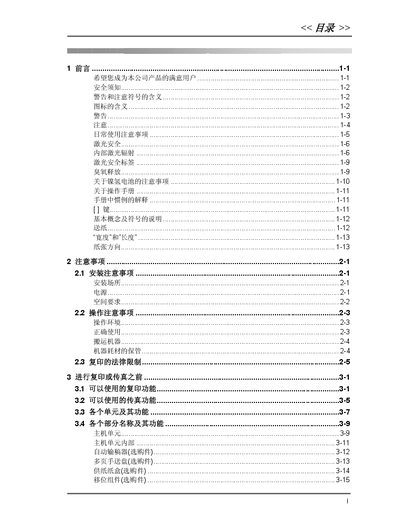
This manual provides detailed instructions for operating the M9215/M9218 copier‑fax device. It covers basic copy procedures, advanced copy functions, fax transmission and reception, and the configuration of various system settings such as date, time, and user passwords.
The document also includes sections on error messages, paper‑jam troubleshooting, and an appendix with terminology and power‑loss handling. It is intended for end‑users and service technicians who need to set up, use, and maintain the machine. This manual is written in Chinese.
Use the cancel function described in the manual under the "中断复印工作" section.
Select the menu option "设定当前的日期和时间" to enter the desired date and time.
Follow the troubleshooting steps for the "LOAD PAPER" error, which include checking the paper tray and ensuring paper is correctly loaded.