
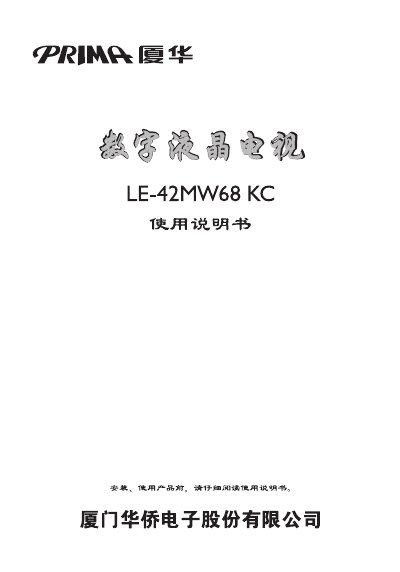
This user manual provides instructions for operating the Xoceco LE-42MVW68KC television. It covers remote control functions, input connections (HDMI, VGA, USB), and safety guidelines. The TV supports HD digital multimedia via HDMI, 3D smart image processing, and multiple signal formats. Safety precautions include proper power installation, avoiding moisture, and preventing physical damage to the screen.
The manual also details remote control buttons, menu navigation, and troubleshooting tips for common issues like image retention or power problems. This manual is written in Japanese.
| Display Type | LCD |
|---|---|
| Video Input | HDMI, VGA, USB, Component, AV, RF |
| Audio Output | Stereo |
| Power Supply | 220V/50Hz AC |
| Operating Temperature | 5°C to 40°C |
It has HDMI, VGA, USB, Component, AV, and RF input ports.
It requires 220V/50Hz AC power.
The operating temperature range is 5°C to 40°C.
Use the remote control buttons to navigate the menu, including up/down arrows, enter, and back buttons.