
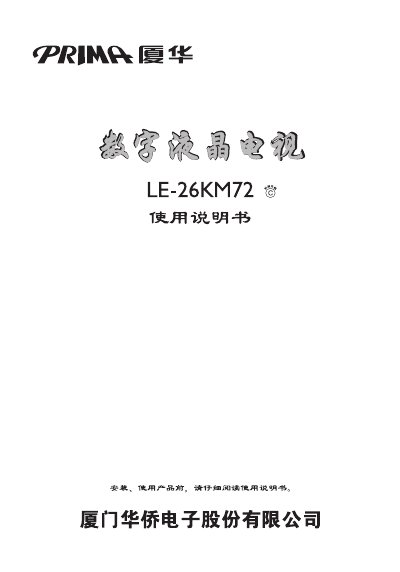
This manual covers installation steps, power requirements, and connection of video and audio sources such as HDMI, VGA, Component and USB. It also details safety precautions, proper grounding, and handling of the device to prevent fire or electric shock.
The guide explains remote‑control functions, menu navigation, channel selection, picture and sound settings, and includes technical specifications like LED backlight, supported video formats, USB 2.0, and high‑definition resolutions. This manual is written in Chinese.
| Display type | LED backlight |
|---|---|
| Supported video format | PAL/NTSC |
| USB version | USB 2.0 |
| Supported resolutions | 480P, 576P, 720P, 1080P |
| Audio output | D‑class surround sound amplifier |
Refer to the section titled “遥控器电池的安装” for battery installation instructions.
The product must be powered with a 220 V / 50 Hz AC source only.