
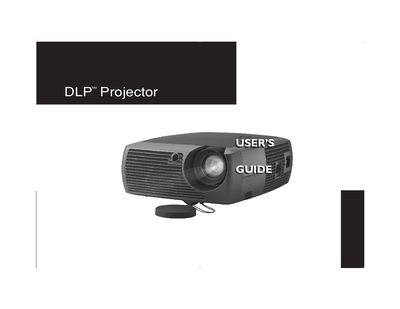
This guide covers everything needed to install and operate the GEN101 DLP projector. It includes safety warnings, positioning advice, and detailed instructions for connecting computers and video sources using the various ports provided.
The manual also explains how to use the remote control, adjust image settings, maintain the lamp and lens, and troubleshoot common issues. Appendices list connector pinouts, LED behavior, and other technical details.
| Native resolution | 800 x 600 (SVGA) |
|---|---|
| Maximum supported resolution | 1024 x 768 |
| Lamp type | Mercury‑containing lamp |
| 12 V DC output | Constant 12 V DC via 3.5 mm mini‑jack |
| Connector options | M1, S‑video, Composite RCA, Monitor out, Audio out |
The projector should be located at least 4 feet (1.2 m) away from any heating or cooling vents.
The lamp contains mercury and must be disposed of according to local, state, or federal regulations; see www.eiae.org for details.
The manual includes instructions for Windows 98, Windows 2000, Windows ME, and Windows XP.