
Key facts
- Manuals
- 1
- Categories
- 1
- Languages
- EN
- Last added
- 2012-03-16
Featured DLPProjector manuals
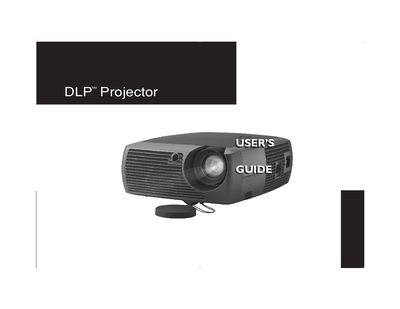
GEN101 Projector User Manual
This guide covers everything needed to install and operate the GEN101 DLP projector. It includes safety warnings, positioning advice, and detailed instructions for connecting computers and video sources using the various ports provided.
The manual also explains how to use the remote control, adjust image settings, maintain the lamp and lens, and troubleshoot common issues. Appendices list connector pinouts, LED behavior, and other technical details.
Covers: Introduction · Safety and Operating Considerations · Computer and Video Connections · Remote Control and Keypad Buttons · Image and Video Optimization · Maintenance and Lamp Replacement
Latest DLPProjector manuals
GEN101 Projector User Manual
User Manual 49 pages · 1.8 MB · ENThe GEN101 projector user manual provides setup, connection, safety, and maintenance instructions.
Which document do I need?
User Manual
Day-to-day operation, settings and troubleshooting. Start here if the product is already set up.
Questions answered in DLPProjector manuals
What safety distance should be kept from heating or cooling vents?
The projector should be located at least 4 feet (1.2 m) away from any heating or cooling vents.
How should the lamp be disposed of after it ruptures?
The lamp contains mercury and must be disposed of according to local, state, or federal regulations; see www.eiae.org for details.