
This is an owner's manual for the Samsung SGH-N620 dual band GSM telephone. It provides information on safety precautions, phone layout, display, service light, installation of SIM card and battery, charging, powering on/off, call functions such as making a call, adjusting volume, answering or rejecting calls, and viewing missed calls.
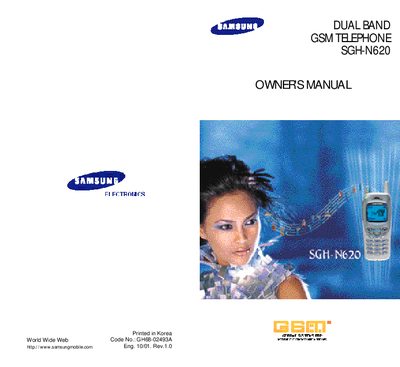
This manual covers safety precautions, unpacking, phone layout, display details, service light operation, and step‑by‑step instructions for installing the SIM card and battery, charging, and powering the device on and off. It also explains call functions, messaging, voice features, organizer tools, games, and WWW services.
Additional sections include menu navigation, backlight settings, service‑light colour options, and troubleshooting tips, giving users a complete reference for operating and maintaining the SGH‑N620 phone.
| Display layout | Three areas: icons, text, soft‑key indications |
|---|---|
| Backlight activation | Illuminates when any key is pressed |
Slide the ivory‑coloured lock on the SIM card holder left, insert the SIM card with the cut corner facing top left, then close the holder and slide the lock right.
Press any key on the phone; the backlight will turn on. The duration can be adjusted in the Backlight menu.