
samsung LCD TV LA32M51B LA32M51BS LA40M51B LA40M51BS LA46M51B Manual

This manual introduces the features and usage methods of the LCD TV LA32M51B LA32M51BS LA40M51B LA40M51BS LA46M51B
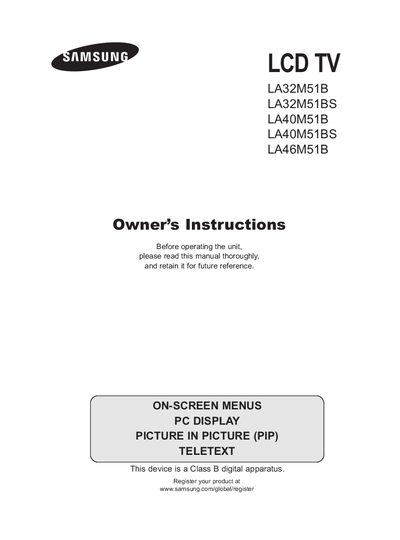

samsung LCD TV LA32M51B LA32M51BS LA40M51B LA40M51BS LA46M51B Manual - cover page
Brand
Samsung
Category
Other Electronics
Document type
User Manual
Language
English
Pages
67
File format
PDF
File size
7.7 MB
Published
15 March, 2012
Updated
01 October, 2023
MD5 checksum
A1B29FEE6EA130DCBC76B56E8F51B702

About this manual

This manual provides step‑by‑step guidance for connecting and preparing your Samsung LCD TV, including antenna, cable, component, HDMI/DVI, computer and audio connections. It also explains how to use the remote control, on‑screen menus, and the Kensington lock.

Additional sections cover channel setup, picture and sound adjustments, time and sleep timer settings, teletext usage, and recommendations for safe operation such as avoiding image burn and registering the product online.

What's inside

  • Connecting and Preparing Your TV
  • Viewing the Control Panel
  • Viewing the Connection Panel
  • Setting the Channels
  • Setting the Picture
  • Setting the Sound
  • Setting the Time
  • Using the Teletext Feature
  • Recommendations for Use
  • Technical and Environmental Specifications

Specifications

Resolution (1080p 60i)1080 lines

Frequently asked questions

What can cause permanent damage to the TV screen?

Displaying a still image for an extended period may cause permanent damage to the TV screen.

Where can I register my Samsung TV?

You can register the product at www.samsung.com/global/register.

What does the Light Detecting Sensor do?

It automatically adjusts the screen brightness by detecting the surrounding environment’s light level.

Download PDF (7.7 MB)

More Samsung Manuals


View all Samsung manuals →