
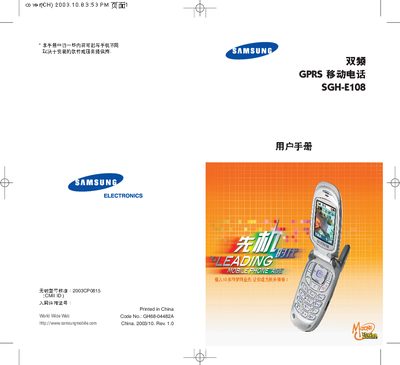
This is a user manual for a Samsung mobile phone, model SGH-E108
This manual begins with safety information, including traffic safety, fuel‑station rules, and airplane restrictions, and lists the official Samsung accessories and battery specifications. It also explains how to insert the SIM card, remove the battery, and use the charging dock.
The remainder of the guide covers the phone’s hardware layout, display areas, key functions, and detailed operating procedures for phonebook management, messaging, voice mail, call settings, sound options, network services, and additional features such as the infrared port and entertainment functions. This manual is written in Chinese.
| Network | Dual‑band GPRS |
|---|---|
| SIM Card | User Identification Card (SIM) |
Ensure the phone is turned on and within the service area, enter the emergency number, and press the call key.
In standby mode, press and hold the # key to toggle silent mode on or off.
Remove the battery first, then take out or insert the SIM card into the slot.