
The document is the user manual for SCH-W399, providing safety precautions for using the phone, such as not using it while driving, refueling, or near flammable substances or medical equipment. It also introduces the special features of the phone, such as the camera, MP3 player, and Bluetooth.
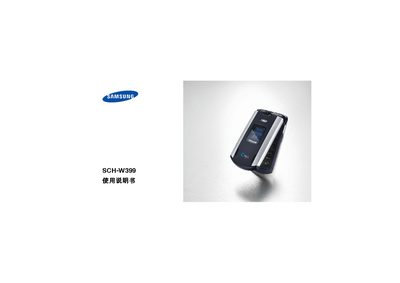
This document is the Chinese-language user manual for the Samsung SCH-W399 mobile phone. It explains unpacking, SIM/UIM card installation, battery charging, keypad and display use, menu navigation, network switching, calls, camera, MP3 playback, WAP browsing, phonebook, messaging, Bluetooth, text input, and other tools.
The manual also lists menu options, troubleshooting guidance, and health and safety information. The phone supports switching between GSM and CDMA networks and includes features such as camera, MP3 player, Bluetooth, voice recognition, dictionary, messenger, and storage disk. This manual is written in Chinese.
| Networks | GSM and CDMA |
|---|
The phone sounds an alarm, shows a low-battery message, and the empty battery icon flashes. If the battery is too low, the phone powers off automatically.
Red means the battery is charging, green means charging is complete, and orange means the battery is not inserted correctly or the temperature is too high or too low.