
This is a manual for the use of Fujifilm FinePix F70EXR digital camera, which introduces how to use the camera's basic operations and functions, including taking pictures, playback, movies, connections, menus, troubleshooting, etc.
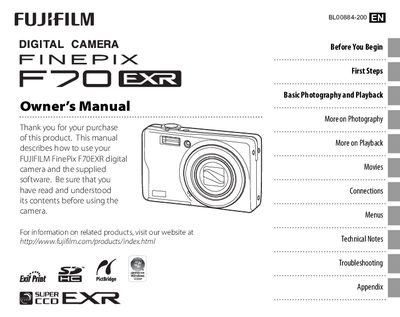
This manual provides step‑by‑step instructions for getting started with the FinePix F70EXR digital camera, including battery charging, inserting memory cards, and basic menu navigation. It also covers the various shooting modes, flash settings, and creative features such as Dual IS and Intelligent Face Detection.
Additional sections describe playback options, how to view pictures on a TV, troubleshooting common error messages, and technical specifications. The appendix includes a glossary of terms and a list of optional accessories.
Use the Setup Menu to adjust the date and time settings.
Enable Dual IS mode to reduce camera shake and blur.
Connect the camera to a TV using the appropriate video output and select the TV viewing option.
Activate the Protect function in the playback menu to lock selected images.