
The document describes the features and characteristics of a product.
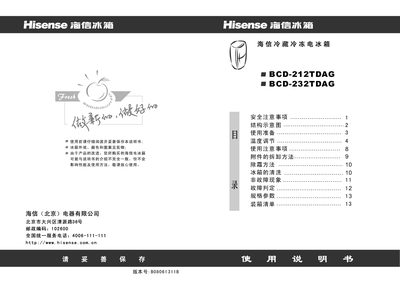
This user manual covers the Hisense BCD-212TDAG and BCD-232TDAG refrigerators. It includes safety precautions, correct transport and placement, initial use checks, a structure diagram, and temperature adjustment instructions.
It explains display panel keys and modes such as energy-saving, smart, quick-freeze, and quick-cooling, plus the refrigerator compartment door-open alarm and power-off memory functions. It also covers accessory removal, defrosting, cleaning, use precautions, fault diagnosis, non-fault phenomena, specifications, and the packing list. This manual is written in Chinese.
| Power socket | Standard three-hole socket, 10A or above, grounded. |
|---|---|
| Installation clearance | At least 100 mm of heat-dissipation space at the sides and back. |
| Freezer temperature setting range | -30°C to -12°C. |
| Quick-cooling set temperature | Refrigerator compartment set to 2°C in quick-cooling mode. |
| Quick-cooling duration | Exits automatically after 6 hours. |
| Door-open alarm threshold | Activates after the refrigerator compartment door is open for more than 2 minutes. |
| Display timeout | All displays turn off after 60 seconds without key operation. |
Leave at least 100 mm of heat-dissipation space at both sides and at the back.
After powering on, wait 2 to 3 hours before adding food; in high summer ambient temperatures, wait 4 hours.
The light turns off, an alarm beeps, and the refrigerator temperature display flashes until the door is closed.
Hold the Mode/Lock key for 3 seconds; the lock indicator disappears and the refrigerator enters the unlocked state, allowing mode and temperature adjustments.