
The manual introduces the Hisense C389 mobile phone, which operates on the 800 MHz CDMA network. It explains how to insert an R‑UIM card, power the device on and off, and use the basic telephony functions.
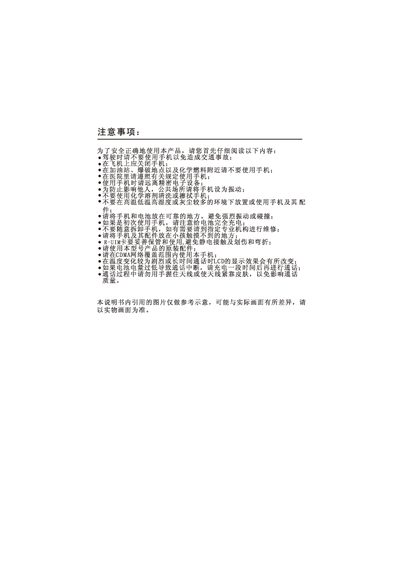
It also details the phone’s menu structure, covering call settings, messaging, additional utilities such as stopwatch, alarm, calendar, and calculator, as well as safety information and battery care tips. This manual is written in Chinese.
| Network frequency | 800 MHz CDMA |
|---|
Turn off the phone, remove the back cover and battery, insert the R‑UIM card with the gold contacts facing down, then replace the battery and back cover.
Press and hold the power/handset key for about three seconds to turn the phone on or off.
The phone offers a stopwatch, alarm clock, calendar, and calculator under the Other Functions menu.