
MetalStrike is a two-dimensional action shooting game based on WinCE 3.0 and Pocket PC 2002 platforms, featuring multiple character control in single-player mode. It creates an open 2D shooting environment with full-screen dynamic display effects through a unique Pocket PC game engine. The game consists of three missions, each with different weapons, equipment, and terrain conditions.
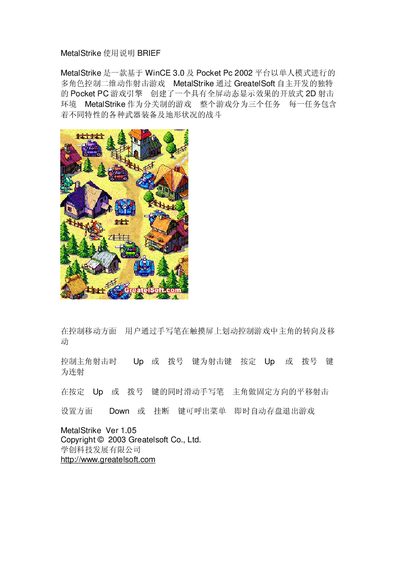
MetalStrike is a 2‑D action shooting game built on the WinCE 3.0 and Pocket PC 2002 platform. It features a single‑player mode with multiple roles, weapons, and terrain across three missions.
Players control the character by swiping the stylus on the touchscreen to turn and move, use the UP or dial key (or swipe while holding it) to fire, and press the Down or Hang‑up key to open the menu and save the game. This manual is written in Chinese.
| Platform | WinCE 3.0 / Pocket PC 2002 |
|---|---|
| Version | 1.05 |
Move the character by swiping the stylus on the touchscreen, which turns and moves the hero.
Press the UP or dial key to fire; you can also slide the stylus while holding that key for directional shooting.
Press the Down or Hang‑up key to bring up the menu, which automatically saves the game.