
Key facts
- Manuals
- 1
- Languages
- ZH
- Last added
- 2012-03-14
Featured MetalStrike manuals
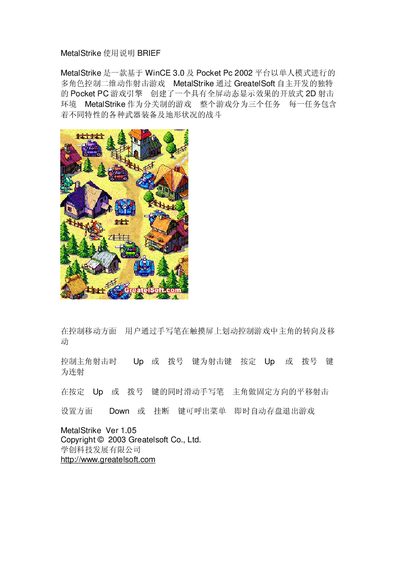
Greatelsoft MetalStrike User Manual
MetalStrike is a 2‑D action shooting game built on the WinCE 3.0 and Pocket PC 2002 platform. It features a single‑player mode with multiple roles, weapons, and terrain across three missions.
Players control the character by swiping the stylus on the touchscreen to turn and move, use the UP or dial key (or swipe while holding it) to fire, and press the Down or Hang‑up key to open the menu and save the game. This manual is written in Chinese.
Covers: Brief · Gameplay Overview · Movement Controls · Shooting Controls · Menu and Save
Latest MetalStrike manuals
Greatelsoft MetalStrike User Manual
User Manual 1 pages · 68 KB · ZHThe Greatelsoft MetalStrike User Manual provides instructions for playing the 2D action shooting game on Pocket PC devices.
Which document do I need?
User Manual
Day-to-day operation, settings and troubleshooting. Start here if the product is already set up.
Questions answered in MetalStrike manuals
How do I control movement in MetalStrike?
Move the character by swiping the stylus on the touchscreen, which turns and moves the hero.
Which key is used for shooting?
Press the UP or dial key to fire; you can also slide the stylus while holding that key for directional shooting.