
This document is an operation manual that mainly introduces the use of DMDPW operation panel and buttons, as well as the setting of the electric meter parameters. The operation panel has an automatic page turning function, and the electric meter parameters can be set for basic settings, units, decimal points, etc. In addition, it also includes output signal settings, relay settings, and other functions.
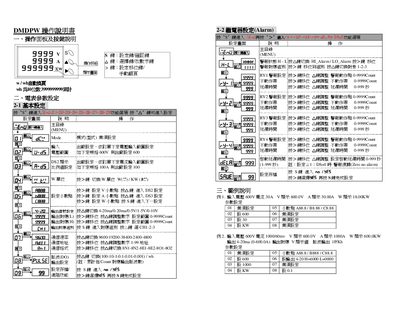
This manual describes the operation panel, key functions and how to configure basic parameters such as input voltage, current limits and alarm thresholds. It includes detailed procedures for alarm configuration, cumulative value reset, and automatic page settings.
The document also covers communication settings using MODBUS‑RTU, example configurations, and advanced features like 4‑20 mA output scaling. Reference tables list register addresses and data formats for integration with external systems. This manual is written in Japanese.
| Input voltage rating | 600 V |
|---|---|
| Input current rating | 100 A |
| Output type | 4‑20 mA |
| Output range | 0‑600 A (4‑20 mA scaling) |
| Communication protocol | MODBUS‑RTU |
Enter alarm settings with the S key, select the desired alarm type, and adjust the threshold values using the corresponding keys.
The device communicates using the MODBUS‑RTU protocol.
Press the S key, then follow the on‑screen prompts to clear the cumulative counters.
Register addresses and data formats are listed in the communication settings section of the manual.