
This document is a user manual for ZYDMS-51 series digital display meter. The digital display meter is characterized by its universality, compactness, rich interfaces, and easy operation. It can be used for position detection and display in various fields such as length and angle.
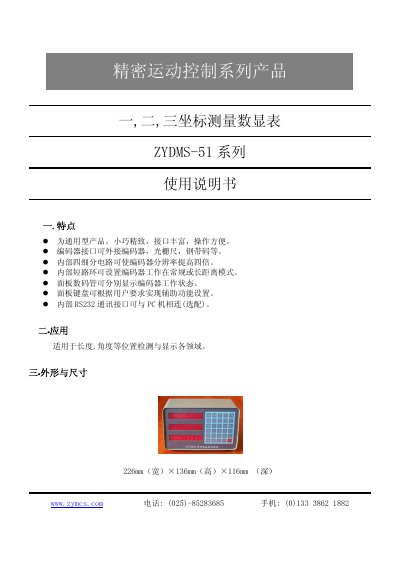
The ZYDMS-51 is a compact, high‑precision three‑coordinate measuring digital display designed for length and angle position detection in various fields. It offers rich interfaces, optional RS232 communication, and an eight‑digit display with sign indication.
This manual describes the product’s features, physical dimensions, connector signal definitions, and detailed operating procedures, including how to reset, zero the axes, and start measurement using the dedicated keys. This manual is written in Chinese.
| Dimensions | 226 mm W × 136 mm H × 116 mm D |
|---|---|
| Display | 8‑digit seven‑segment display with sign indicator |
| RS232 Interface | Optional RS232 communication interface |
| Encoder Interface | Supports external encoder, linear scale, steel tape code |
Press the “复位” (Reset) key; it performs a system reset and also acts as an emergency stop when the device is running.
After powering on, press the X0, Y0, and Z0 keys; the displayed values are cleared and the current encoder position becomes the zero point.
Turn on the power, press the Reset key, then press the Work key; moving the encoder or linear scale will cause the displayed values to change accordingly.