
The Epson MovieMate® 85HD User's Guide provides information about the features and characteristics of this product, including copyright notice, responsible use, patented technology, and usage precautions.
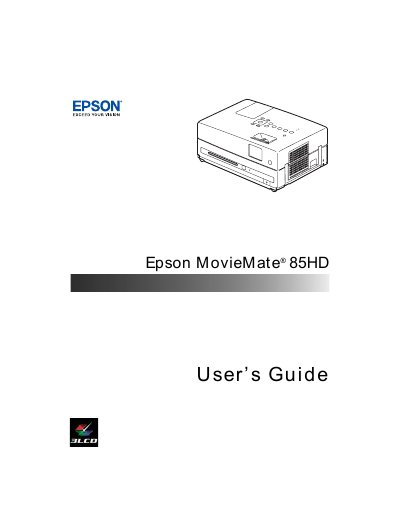
This guide introduces the Epson MovieMate 85HD, a lightweight portable projector designed for home cinema use. It covers registration, warranty information, optional accessories, and safety instructions before you begin setup.
The manual details step‑by‑step procedures for unpacking, positioning, connecting external devices (USB, PC, audio), adjusting picture and sound settings, and performing routine care such as cleaning the lens, replacing the lamp, and resetting the lamp timer. Troubleshooting tips and support resources are also included.
| DVD resolution | 540p |
|---|---|
| Native display resolution | WXGA 1280 × 800 (16:10) |
| Brightness | Up to 2500 lumens |
| Lamp life | Up to 5000 hours |
| Audio decoding | Dolby Digital and DTS |
| Microphone input | Yes |
| HDML interface | Available |
| Built‑in speakers | DTS digital surround sound |
| Maximum JPEG resolution | 3027 × 2048 pixels |
| Maximum MPEG resolution | 720 × 576 pixels (ASP) |
You can register using the CD that came with the unit or online at http://www.epson.com/webreg.
Connect the USB device to the USB port on the projector as described in the "Connecting a USB Device" section.
Use a soft, lint‑free cloth to gently clean the lens; see the "Cleaning the Lens" instructions.
After lamp replacement, follow the "Resetting the Lamp Timer" procedure to reset the timer.