
Key facts
- Manuals
- 1
- Languages
- EN
- Last added
- 2012-03-14
Featured ESPON manuals
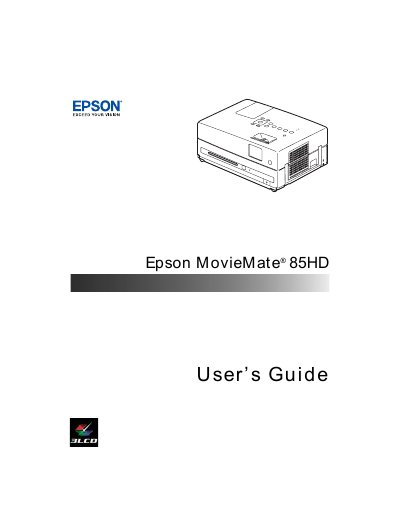
Epson MovieMate 85HD User Manual
This guide introduces the Epson MovieMate 85HD, a lightweight portable projector designed for home cinema use. It covers registration, warranty information, optional accessories, and safety instructions before you begin setup.
The manual details step‑by‑step procedures for unpacking, positioning, connecting external devices (USB, PC, audio), adjusting picture and sound settings, and performing routine care such as cleaning the lens, replacing the lamp, and resetting the lamp timer. Troubleshooting tips and support resources are also included.
Covers: Welcome · Registration and Warranty · Optional Accessories · Setting Up Epson MovieMate · Playing Movies · Adjusting Picture and Sound
Latest ESPON manuals
Epson MovieMate 85HD User Manual
User Manual 80 pages · 2.6 MB · ENThe Epson MovieMate 85HD user manual provides setup, operation, and maintenance instructions for the portable home cinema projector.
Which document do I need?
User Manual
Day-to-day operation, settings and troubleshooting. Start here if the product is already set up.
Questions answered in ESPON manuals
How do I register my Epson MovieMate?
You can register using the CD that came with the unit or online at http://www.epson.com/webreg.
How can I connect a USB device to the MovieMate?
Connect the USB device to the USB port on the projector as described in the "Connecting a USB Device" section.