
This is a user manual for a Wacom brand drawing tablet.
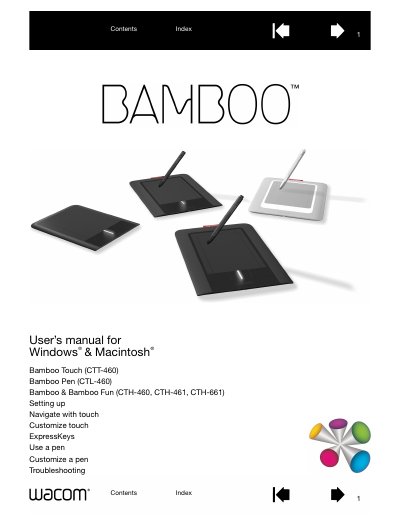
This manual provides detailed information for all Bamboo tablet models, including Bamboo Touch (CTT-460), Bamboo Pen (CTL-460), and Bamboo Fun (CTH-460, CTH-461, CTH-661). It guides users through setup, ergonomics, tablet orientation, and control panel basics.
The guide also covers touch and pen operation, customization of touch speed and ExpressKeys, troubleshooting common issues, and technical support options. Appendices include care instructions, pen nib replacement, and product specifications.
| Model | CTT-460 |
|---|---|
| Model | CTL-460 |
| Model | CTH-460 |
The manual covers Bamboo Touch (CTT-460), Bamboo Pen (CTL-460), Bamboo Fun small (CTH-461) and medium (CTH-661) tablets.
Technical support options are described in the "Technical support options" section of the manual.
You can set the touch speed in the "Setting the touch speed" subsection of the Customizing your Bamboo chapter.
The "Setting up your Bamboo" section provides step‑by‑step instructions for ergonomics, tablet orientation, and control panel basics.