
This is a Wacom's digital tablet user manual, which mainly introduces the use and settings of Bamboo Touch (CTT-460) Bamboo Pen (CTL-460, CTL-660) Bamboo and Bamboo Fun (CTH-460, CTH-461, CTH-661) models.
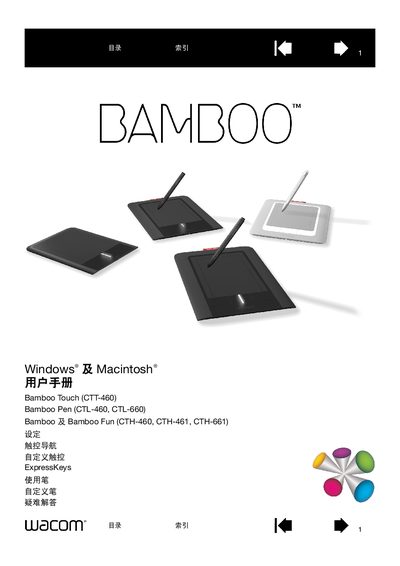
This manual introduces the Wacom Bamboo series of graphics tablets, including Bamboo Touch, Bamboo Pen and Bamboo Fun models. It explains how to set up the tablet, configure touch navigation, customize ExpressKeys, and use the pen with pressure sensitivity.
The guide also provides troubleshooting steps, technical specifications, and information on software installation, warranty, and regulatory compliance for users of Windows and Macintosh computers. This manual is written in Chinese.
| Connection Interface | USB |
|---|---|
| ExpressKey Indicator | Lights when pressed |
Use the "自定义 ExpressKeys" section of the manual to assign functions to each ExpressKey.
Refer to the "您的BAMBOO 发生问题?" troubleshooting section for testing and problem‑resolution steps.