
This guide provides the procedures required to install the Legend Win Modem drivers that come with the Legend commercial computer. It covers both legacy Windows 9x/NT/2000 systems and Windows XP, including how to locate the driver files on the supplied CD and run the setup program.
After the driver installation the system will prompt for a reboot. Once the computer restarts, the modem is ready for use. The guide also explains how to uninstall and reinstall the driver on Windows XP using Device Manager.
| Modem type | Lucent Win Modem |
|---|
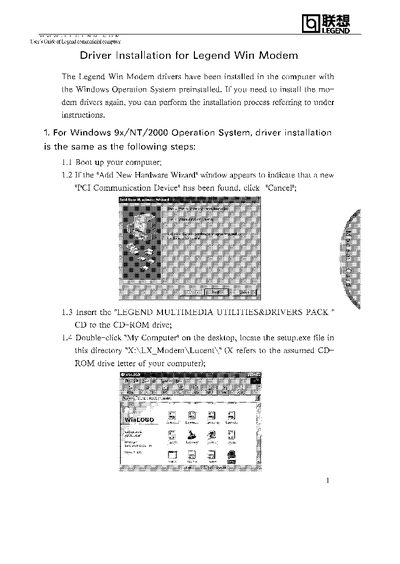
Insert the LEGEND MULTIMEDIA UTILITIES&DRIVERS PACK CD, locate the setup.exe file (e.g., X:\LX_Modem\Lucent\), run it, confirm the prompts, and reboot when asked.
Open Device Manager, right‑click the Lucent Win Modem and uninstall it, then insert the CD, run the setup.exe from X:\XP\Modem\Lucent\, follow the prompts and reboot.