
S400DC is a high-speed color scanner with outstanding feeding capability, high-speed double-sided scanning, and support for efficient scanning tasks.
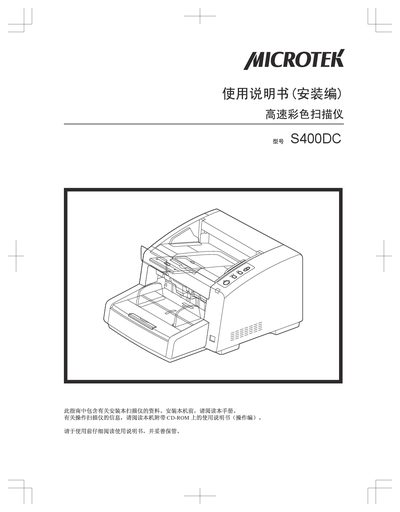
This manual covers the installation steps for the S400DC scanner, including power connection, USB interface setup, and software installation from the supplied CD‑ROM. It also details safety precautions to prevent injury or fire hazards during use.
The guide explains how to operate the scanner in both single‑ and double‑sided modes, outlines scanning speed and resolution settings, and provides troubleshooting procedures for common errors such as power failures or USB communication problems. This manual is written in Chinese.
| Scanning resolution | 200 dpi / 300 dpi |
|---|---|
| Scanning speed (color) | 100 ppm at 200 dpi |
| Scanning speed (monochrome) | 80 ppm at 200 dpi |
| Supported media weight | 20 g/m² – 209 g/m² |
| Duplex capability | High‑speed double‑sided scanning |
| Sensors | Three ultrasonic sensors |
| Interface | USB 2.0 |
The scanner can process up to 100 ppm in color and 80 ppm in monochrome at 200 dpi.